Shopify + Everflow Integration

Integrating Everflow affiliate tracking with your Shopify store is easy. Just follow these step-by-step instructions.

1. Get the Everflow Shopify App

  • We’ll start by creating an Everflow account for you, so be on the lookout for an email to set your account password.
  • You’ll want to be logged into Everflow before completing the next steps.
  • Click the Install button below:
  • You’ll be redirected to the Shopify App Store
  • NOTE: you can ignore the pricing details, the app is covered under our license
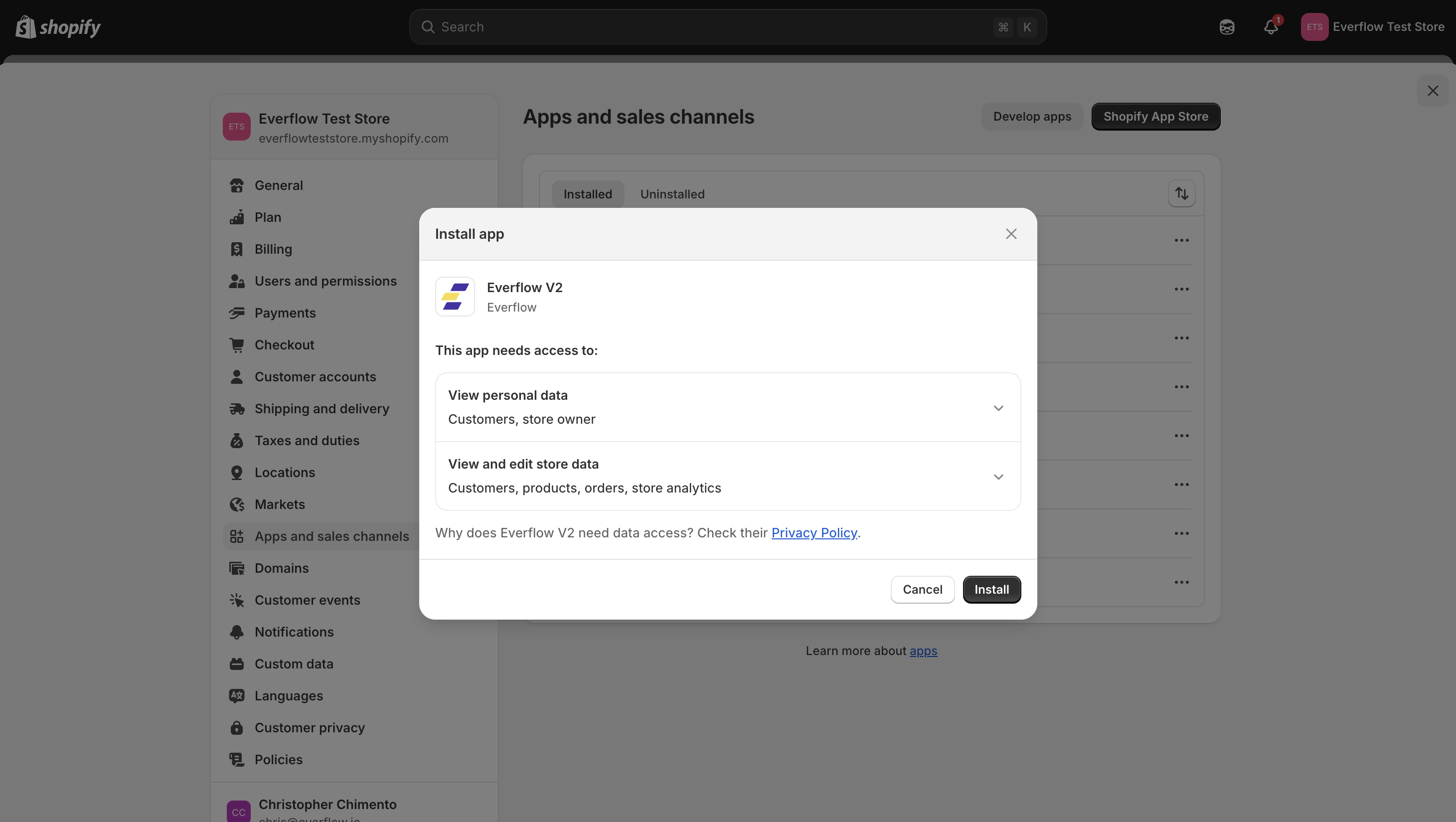
  • Click Install
  • Enter your Shopify store’s custom domain (the part before .myshopify.com)
  •  Click Install to complete the installation

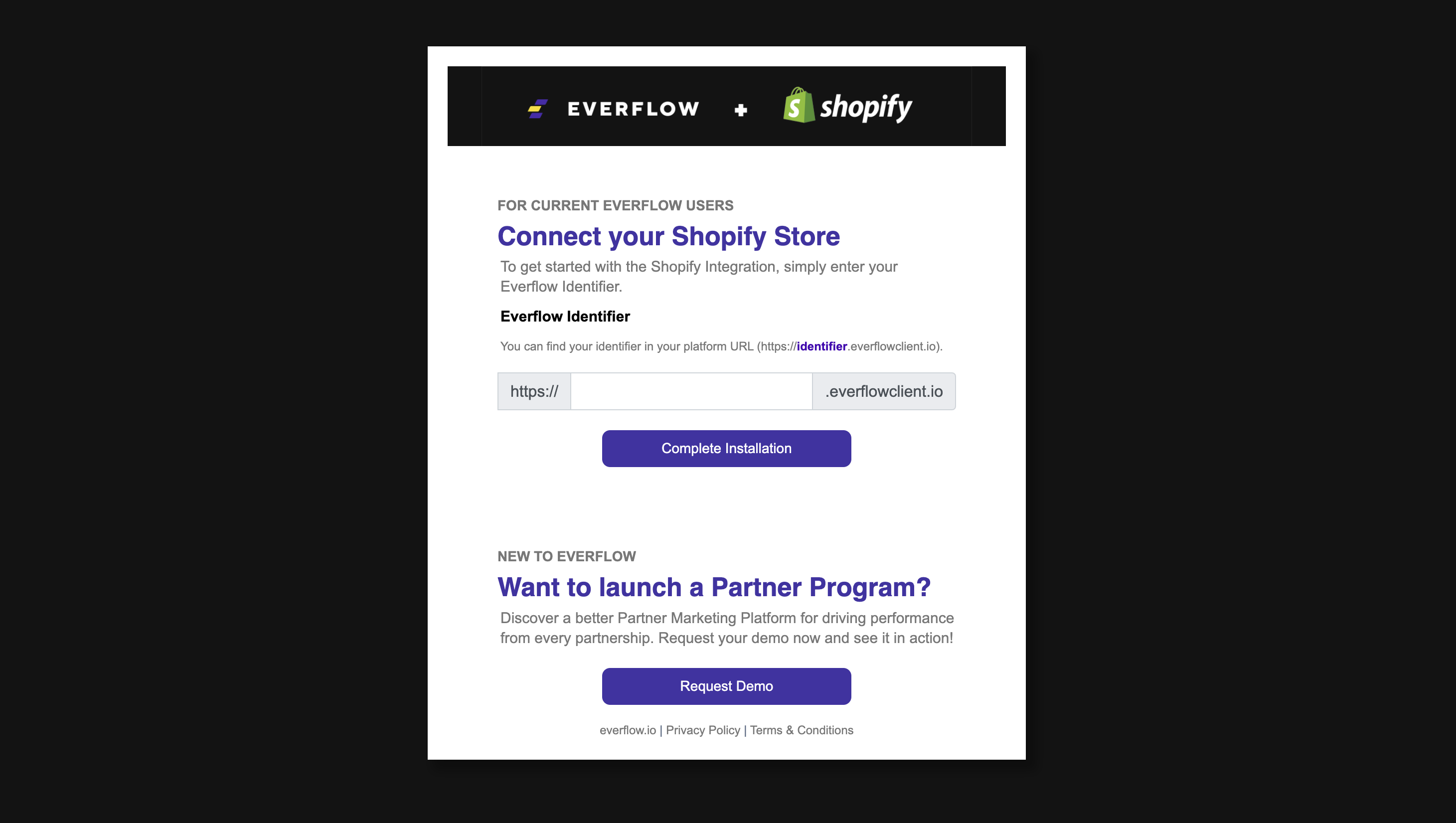
2. Connect Your Store

  • When prompted for Network Identifier, enter: clx
  • Click Complete Installation

3. Done

  • Once you are successfully connected, click the Exit button.
  • Note: You can ignore the ‘Access Integration’ part, we handle that on our end. 

Request Early Access